Set Up Your Space
1
Download  Owa
Owa
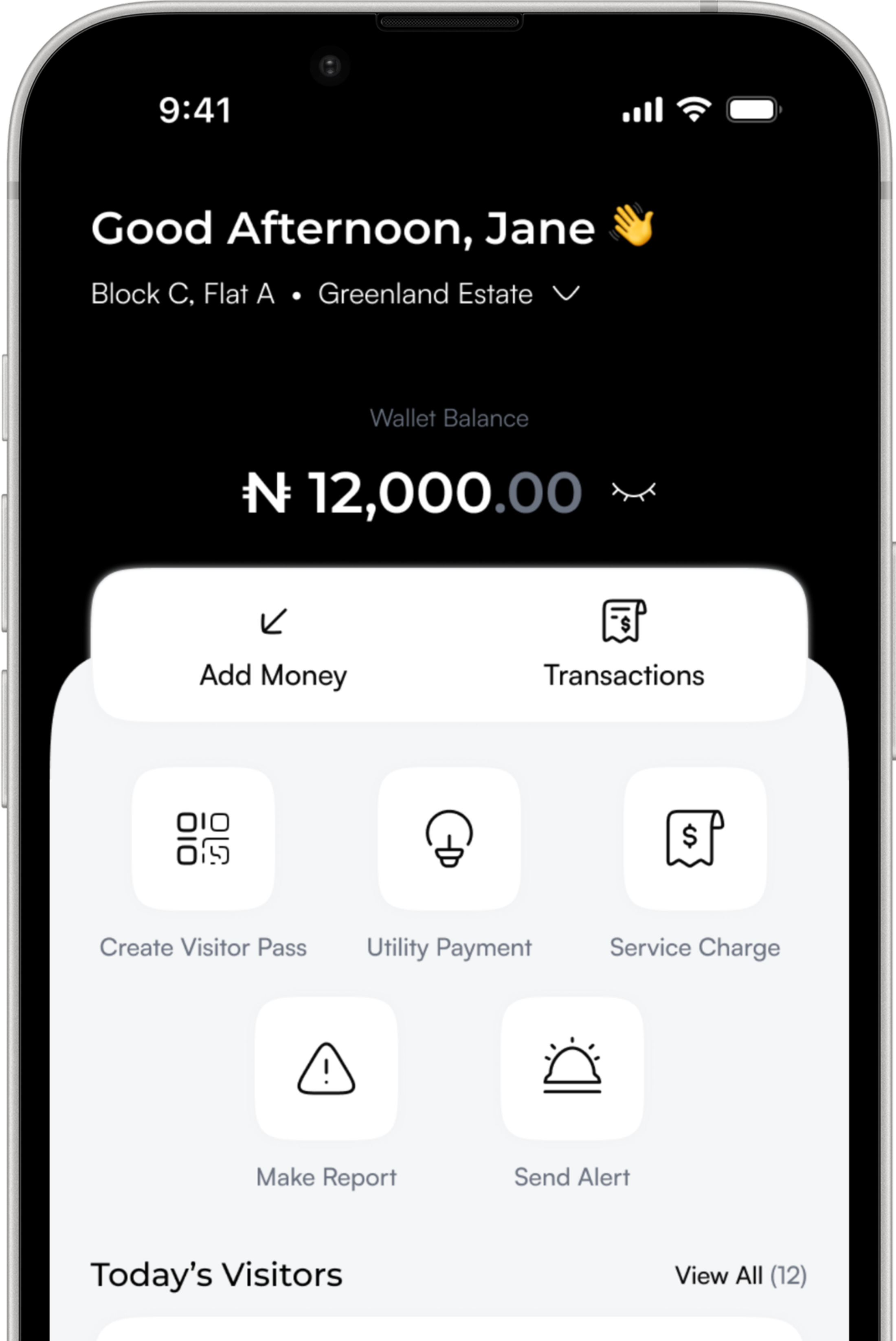
Start by downloading Owa. This is your central hub for managing residents or employees, monitoring access, and overseeing daily activity across your space.
2
Create Your Account
Set up your account using your email or phone number. It only takes a moment, and it gives you access to all the tools you need on Owa.
3
Set Up Your Space
Add your estate or workplace, define your structure, and get everything ready for residents, staff, and security personnel to join and operate smoothly.
4
Start Managing
Once your setup is complete, you can begin managing access, monitoring activity, handling service charges, and maintaining a safe, organized environment.
Take Control of Your
Property Today
Simplify access, improve security, and manage your space with confidence.