Join Your Office / Community
1
Download  Owa
Owa
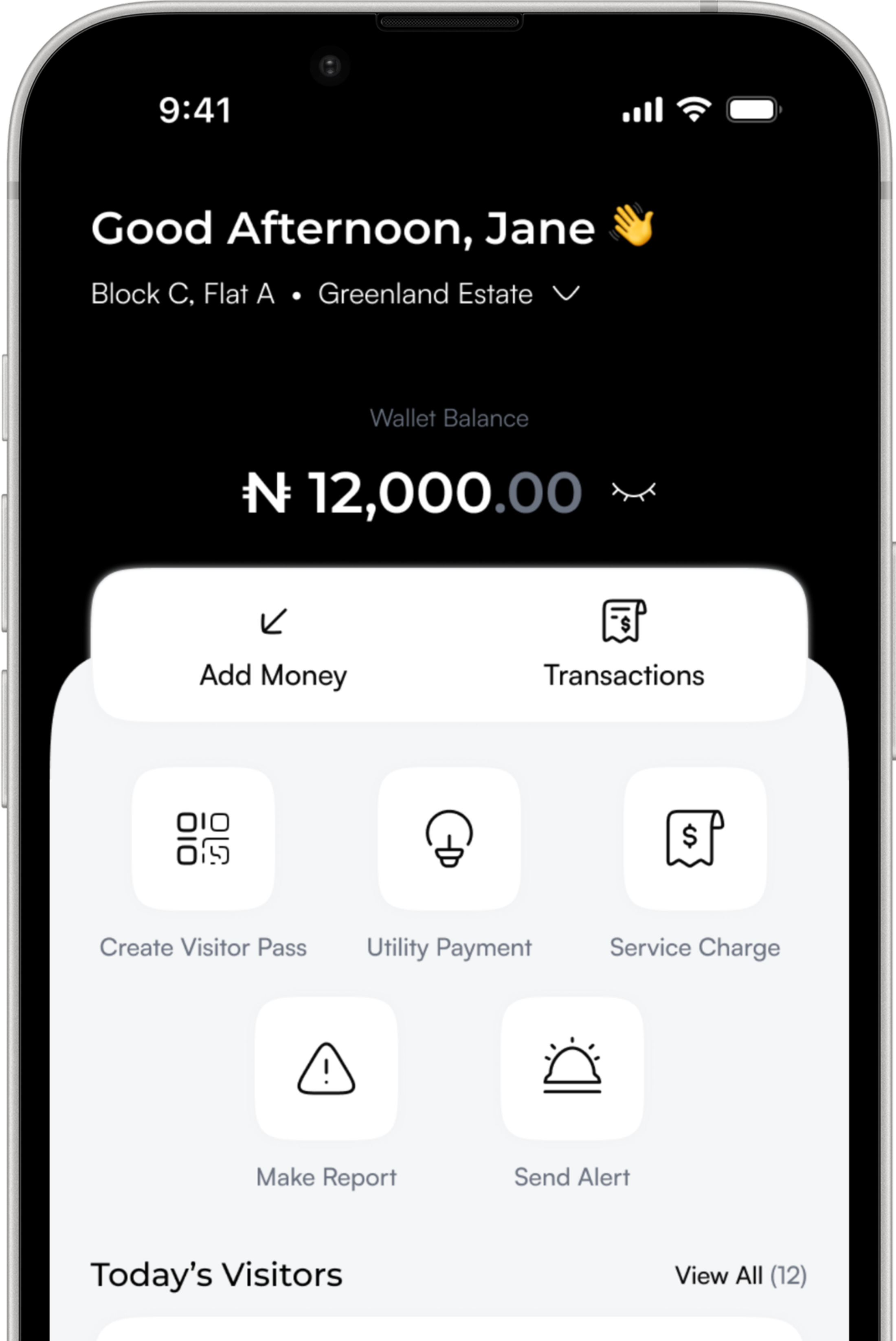
Get the Owa app on your device to begin. It's where you'll manage access, create visitor passes, and stay connected to your space.
2
Create Your Account
Set up your account using your email or phone number. It only takes a moment, and it gives you access to all the tools you need on Owa.
3
Request Access to Your Community or Office
Find your estate or workplace and send a request to join. This helps ensure that only verified residents, employees, and members are granted access to the space.
4
Get Approved
Once your request is approved, you're all set. You'll be able to create visitor passes, receive alerts, and fully experience everything Owa has to offer.
Take Control of Your
Property Today
Simplify access, improve security, and manage your space with confidence.